
Gaming on the Go: Do You Need an eSIM for Your Nintendo Switch?
Using an eSIM helps you stay connected while gaming on your Nintendo Switch during travel, giving you more reliable data access, smoother online features, and easier account management abroad. This matters when you rely on mobile hotspots for online features, cloud saves, and multiplayer sessions while on the move. If you want to keep your travel gaming smooth from airport lounges to hotel rooms, you can start by choosing an international data plan that activates instantly when you land.
Picture by Alvaro Reyes on Unsplash
Why Online Gaming Abroad Needs Stable Connectivity
Travel gaming offers flexibility, but you need strong, consistent data to use Nintendo Switch Online features while abroad. When you play titles like Animal Crossing or join multiplayer matches during long flights or hotel stays, you depend on a reliable hotspot connection. Many travelers choose an eSIM because it provides quick activation, predictable speeds, and better coverage in foreign countries.
To understand how this works, it helps to know what an eSIM card offers. It lets you activate data plans directly on your smartphone without using a physical SIM card. Since your phone often becomes the hotspot for your Nintendo Switch, you gain smoother online gameplay and easier access to updates and downloads. You also avoid the delays and costs of traditional roaming services.
Why eSIM Matters for Nintendo Switch Online Abroad
Nintendo Switch Online abroad depends on your hotspot connection, especially when you:
- Download game updates
- Access cloud saves
- Use online multiplayer
- Visit friends’ islands in Animal Crossing
- Join co-op play sessions
Stable data helps you avoid lag spikes and lost progress, which makes an eSIM for gaming a smart choice during trips.
The Benefits of Using Travel-Friendly Data for Your Switch
You gain more control over:
- Low latency travel data
- Regional eShop access
- Quick downloads
- Backup saves
- System updates
These features keep your Nintendo Switch functional and ready for gaming anywhere.
If you move through multiple countries during a single trip, reliable coverage becomes even more important. This is where flexible plans help, especially when you need fast mobile service for long gaming sessions.
How an eSIM Supports Smooth Gameplay While Traveling
Hotspot performance makes a big difference in travel gaming. When your phone connects to a strong local network, your Nintendo Switch gets faster speeds and steady latency.
Real Travel Scenarios for Gamers
-
Flying to a new country and arriving with no Wi-Fi access.
You want to check your Animal Crossing island or download a quick update. With an eSIM plan already active, you can connect your Switch in minutes. -
Playing multiplayer in a hotel with slow Wi-Fi.
Many hotels limit bandwidth. Your hotspot offers better speeds and lower latency. -
Using cloud saves while switching devices or regions.
A stable connection helps you sync progress securely.
These examples show how much smoother Nintendo Switch Online abroad becomes when you use reliable mobile data.
Why eSIM for Gaming Is More Flexible Than Traditional SIM Cards
- No need to search for a local SIM
- No risk of losing a tiny physical card
- Instant setup
- Wider coverage across multiple countries
- Easier plan switching during long trips
You save time and stay focused on your travel gaming experience rather than troubleshooting your connection.
If you want consistent speeds throughout your journey, you can choose a Yoho Mobile travel plan and keep your Switch connected wherever your trip takes you.
How to Set Up Your eSIM for Travel Gaming
Setting up an eSIM is simple and helps you keep your Nintendo Switch ready for online play during international trips.
-
Check if your smartphone supports eSIM.
Most newer phones include this feature. You can confirm compatibility in your phone’s settings or through manufacturer resources. -
Choose a travel plan that fits your gaming needs.
Look for options with enough data for updates, multiplayer, and cloud saves. -
Buy your plan online.
You receive a QR code instantly via email.
Activation Steps
-
Open your mobile network settings.
Find the option to add a cellular plan. -
Scan the installation QR code.
Your eSIM profile loads automatically. -
Turn on your new plan.
Make sure your phone uses the eSIM data connection. -
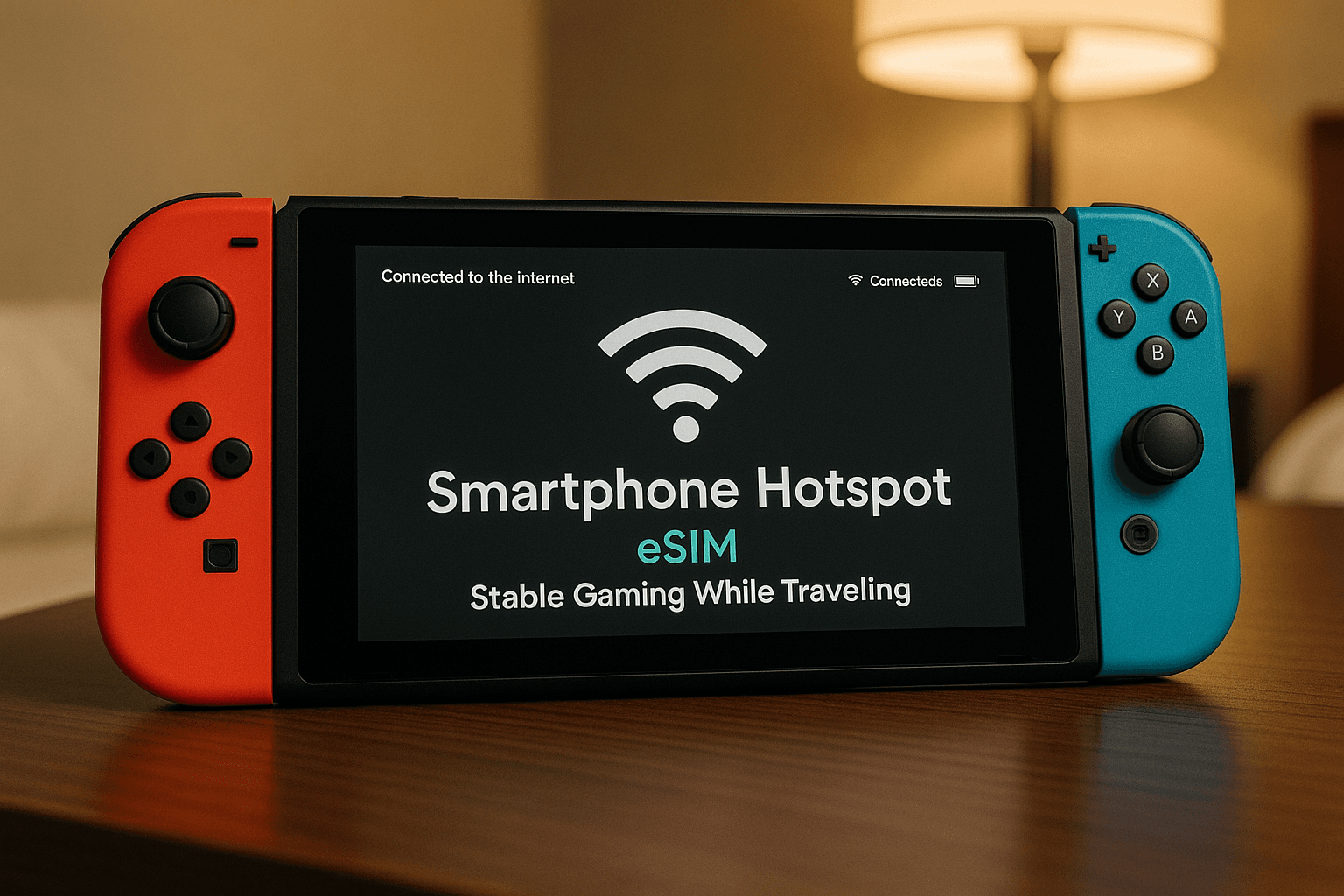
Set up your Nintendo Switch hotspot.
Connect the Switch to your phone under Wi-Fi settings.
Once you complete these steps, you can test your connection with a quick online feature like game updates.
Tips for Smoother Nintendo Switch Online Abroad
Travel gaming becomes easier when you prepare your system and data plan before your trip.
Reduce Data Usage During Travel
- Download large updates before leaving home
- Sync cloud saves on strong Wi-Fi
- Close background apps on your phone
- Lower video or chat quality during multiplayer sessions
These steps help you avoid lag and save mobile data.
Managing Latency for Travel Gaming
Low latency travel data is important for competitive or fast-paced games. You can reduce delays by:
- Staying close to your phone when gaming
- Avoiding crowded public Wi-Fi
- Choosing a plan known for stable speeds
- Monitoring your phone’s signal strength
These small habits help you keep gameplay smooth even during busy travel days.
Traveler Stories
You may recognize these common situations:
-
You visit a new city and want to check your daily tasks in Animal Crossing.
Your mobile hotspot keeps the connection steady while you explore. -
You join a multiplayer match while waiting at a train station.
Reliable eSIM for gaming plans help you avoid lag spikes. -
You need cloud save access to switch between consoles.
Strong mobile data makes the sync process fast and stress-free.
These moments show how much smoother travel gaming feels with consistent service.
If you want a stable way to keep your Switch online during long trips, you can get started easily by reviewing how Yoho Mobile works and browsing plans designed for international coverage. It’s a quick way to stay ready for gaming wherever your travels lead.
Key Takeaways
- Travel gaming depends on strong mobile data when Wi-Fi is unreliable.
- An eSIM for gaming supports fast hotspots and lower latency.
- Nintendo Switch Online abroad works best with stable speeds.
- eSIM plans offer flexibility for regional travel and long trips.
- Reliable data helps you stay connected to your games, cloud saves, and friends.
FAQs
Can the Nintendo Switch use an eSIM directly?
No. You connect through your smartphone’s hotspot, which can use an eSIM for data.
Is travel gaming safe on mobile hotspots?
Yes. When your phone uses secure mobile data, it’s often safer than public Wi-Fi.
How much data does the Switch use?
Most online games use moderate amounts of data, but updates and downloads require more.
Does low latency travel data improve gameplay?
Yes. Lower latency helps you avoid lag during multiplayer sessions.
Will my eShop region change when I travel?
You can access your digital library normally, but purchases depend on your account settings.
Conclusion
An eSIM makes travel gaming smoother by giving your smartphone fast, flexible data support for Nintendo Switch Online abroad. If you want a consistent way to stay connected across multiple countries, you can choose a Yoho Mobile plan and enjoy steady hotspots wherever you travel.