
RTS Link Guide: Best eSIM for Singapore-Malaysia Commuters
Stay connected on every Singapore–Malaysia commute with a single digital SIM that works across both borders, so you never lose data at Woodlands, in Johor Bahru or on the upcoming RTS Link. Reliable mobile data matters when your work, messages, ride-hailing and banking apps all depend on a stable connection during peak-hour queues and late-night returns. If you want your daily Singapore to JB routine to feel smoother, you can start exploring cross-border data plans on the Yoho Mobile Buy eSIM page before your next trip.
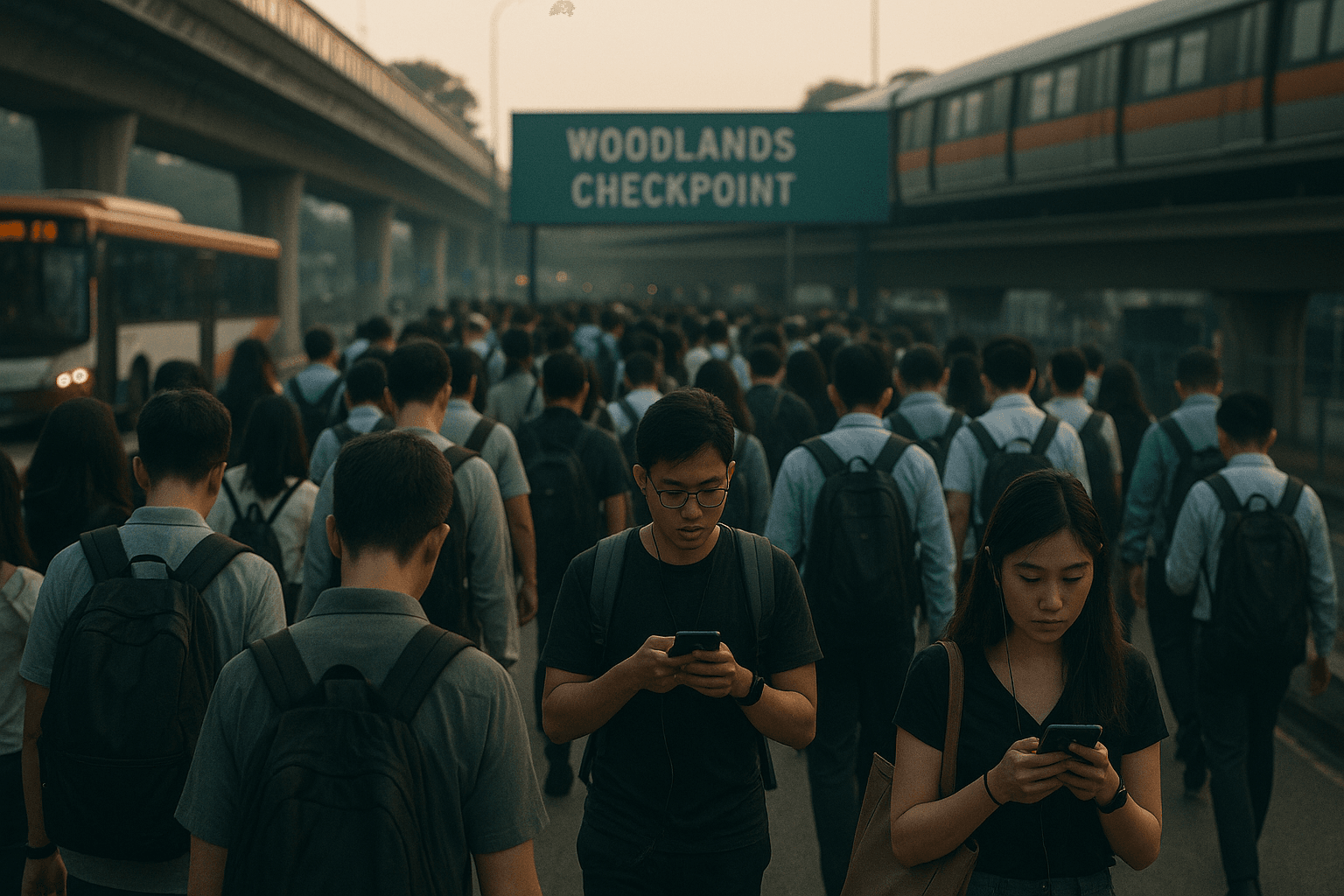
Why Frequent RTS Link Commuters Need a Better Mobile Setup
If you commute several times a week, your phone is as important as your passport. Whether you drive, take the bus, or soon ride the RTS Link, your apps guide you from Singapore to JB, update you on delays, and help you clear checkpoints efficiently. Yet many commuters still juggle multiple SIM cards, expensive roaming or unreliable Wi-Fi right when they need their phone the most.
If you’re new to digital SIMs, it helps to read a quick guide on what is an eSIM card so you understand how one virtual profile can hold multiple cross-border plans at the same time. Instead of swapping plastic cards, you activate an esim for malaysia and Singapore on your phone, then choose which line handles data as you move between networks. This approach works especially well when your route runs through Woodlands and Bukit Chagar daily.
For many commuters, pain points show up in the same places:
- Maps and ride apps failing while you wait in line at Woodlands.
- OTPs and payment approvals timing out because your signal drops.
- Having one SIM that only works in Singapore and a separate johor bahru travel sim that only works once you reach JB.
- Paying high roaming fees just to load a QR ticket or show a work pass.
The future RTS Link system promises a faster and more predictable connection between Singapore and Johor Bahru, but your experience still depends on whether your phone stays online throughout. A smart cross border esim setup gives you consistent Woodlands checkpoint data, keeps your apps responsive in both directions, and gets you closer to true seamless roaming sg my on every trip.
What Makes the Best eSIM for Singapore–Malaysia Commuters
Not all eSIM plans are equal. The best option for RTS Link commuters balances cost, coverage and simplicity so you can treat Singapore and Malaysia like one shared region.
Here are the core features to look for:
-
Dual-country coverage.
Your plan should explicitly support Singapore and Malaysia so that one esim for malaysia also works as your Singapore line. That avoids buying one local plan for Singapore and a separate johor bahru travel sim for weekends. -
Strong partners on both sides.
Check which local networks your cross border esim uses. Good partners mean better indoor coverage in malls, offices and high-rise apartments in both Singapore and JB. -
Consistent Woodlands checkpoint data.
Any plan can look good on paper, but the real test is how it performs at congestion points. You want a provider whose roaming partners keep your phone connected even when thousands of people crowd around you. -
Clear fair-use and hotspot rules.
If you rely on tethering your laptop from Singapore to JB for work, you need transparent hotspot allowances and reasonable fair-use policies. -
Straightforward activation and top-ups.
Daily commuters don’t have time to wrestle with confusing apps. Look for a setup where you can activate and top up both your Singapore and esim for malaysia coverage in a few taps.
Regional providers and industry bodies like the GSMA highlight how eSIM technology enables multiple plans on a single chip, which is exactly what you need for seamless roaming sg my. With Yoho Mobile, you can also see a step-by-step explanation of how Yoho Mobile works, including how one digital profile holds different regional data packages at once.
In short, the best johor bahru travel sim for regular commuters often isn’t a physical SIM at all. It’s a well-structured cross border esim that gives you dual-country coverage, stable Woodlands checkpoint data, and affordable, seamless roaming sg my without manual SIM swaps.
Step-by-Step: Setting Up Your Cross-Border eSIM
Ready to upgrade your daily Singapore to JB routine? Here’s a practical setup you can follow before RTS Link launches or before your next checkpoint run.
-
Confirm that your phone supports eSIM
Check device compatibility
- On iPhone: Settings → Mobile Data / Cellular → Add eSIM or Add Cellular Plan.
- On Android: Settings → Network & Internet → SIMs or eSIM → Add eSIM.
- If you’re unsure, search your exact model on your manufacturer’s site or check lists from brands like Apple or Samsung.
Once you know your phone supports eSIM, you’re free to choose a cross border esim instead of another plastic card.
-
Decide how often you travel Singapore to JB
Match plan to your routine
- Daily or near-daily commuter via buses, cars or the future rts link.
- Weekly trips for family, shopping or events.
- Occasional visits every month or two.
Frequent commuters usually benefit from a longer-validity esim for malaysia and Singapore, while occasional visitors can pick smaller johor bahru travel sim data bundles inside the same digital profile.
-
Choose a plan that treats SG and MY as one region
Focus on seamless roaming sg my
Look for features such as:
- Clear support for both Singapore and Malaysia.
- Stable partners in JB city, Tebrau and key Singapore areas.
- Enough data to cover navigation, ride-hailing, work apps and messaging.
If you’re tired of juggling multiple SIMs, you can switch to a Yoho Mobile cross border esim that covers both sides of the Causeway and lets you upgrade or reload from your phone whenever your data runs low.
-
Purchase and install your eSIM
Activate from home before you travel
- Buy your plan online and receive your QR code by email.
- On your phone, go to Add eSIM → Scan QR code.
- Label the line something clear like “SG-MY Yoho” so you know it handles your seamless roaming sg my connection.
This single profile can act as your main esim for malaysia when you cross into JB and as your primary data line in Singapore.
-
Set your data defaults and roaming
Avoid surprise fees
- Set your Yoho line as the default for mobile data.
- Turn off data roaming on your home SIM, especially if it’s a non-SG/MY number, to avoid expensive roaming in Malaysia.
- Keep your physical SIM active only for calls and SMS if you still need your original Singapore number.
With this setup, your cross border esim carries the data load while your existing SIM stays available for verification codes and local calls.
-
Test at Woodlands before relying on it
Validate Woodlands checkpoint data
- As you approach Woodlands, open maps and check live traffic.
- Try loading your bus or train tickets and messaging a friend.
- Note whether your phone stays online from Singapore to JB and back, including inside checkpoint buildings.
A good esim for malaysia and Singapore should handle these tests smoothly. If signal drops, you can tweak mobile network selection or contact support before your next workday commute.
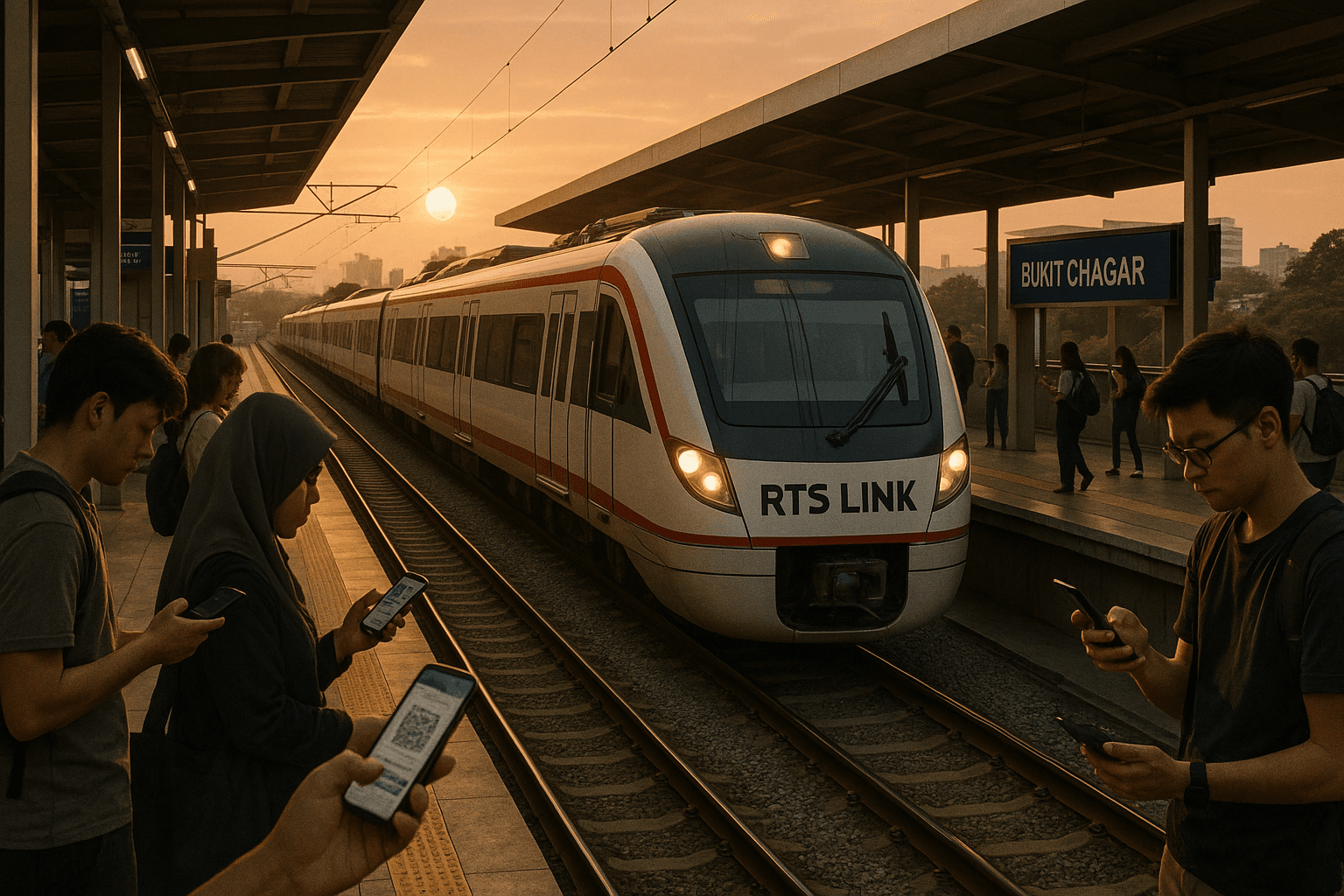
Daily Singapore to JB Routine: Pro Tips for Smooth Connectivity
Once your cross border esim is set up, a few habits will keep it running efficiently on every singapore to jb trip.
-
Download offline essentials before peak hours.
Preload maps, translation packs and entertainment on Wi-Fi so your data handles live tasks like traffic and payments rather than large downloads. -
Prioritise key apps at Woodlands and JB CIQ.
During heavy congestion, focus your Woodlands checkpoint data on ride-hailing, QR tickets and work messages instead of high-resolution social uploads. -
Use Wi-Fi strategically, not blindly.
In some malls or offices, Wi-Fi is strong and worth using. In others, your esim for malaysia might be faster and more secure. Test both whenever you can. -
Keep a small buffer of extra data.
If you use your johor bahru travel sim frequently, don’t run your allowance down to the last megabyte. Unexpected app updates or video calls can happen right as you join the rts link queue. -
Restart or toggle airplane mode when networks switch.
If things feel slow while moving from Singapore to JB, a quick airplane mode reset helps your phone latch onto the best partner network and restores seamless roaming sg my.
Example Commuter Scenarios Using a Cross-Border eSIM
It helps to see how different types of commuters actually use these setups day to day.
-
Daily office commuter from JB to Singapore
You live in Johor Bahru and work near Raffles Place. Each morning, you travel singapore to jb in reverse on the way home. With one cross border esim, your phone automatically connects in JB for your first ride-hail, keeps your Woodlands checkpoint data strong for ticket checks and messaging HR, then switches to your Singapore partner network by the time you arrive at the office. You no longer keep a separate johor bahru travel sim in your wallet, and the same esim for malaysia handles your evening shopping or food delivery when you get back.
-
Singaporean weekend shopper and café explorer
You live in Singapore but regularly go singapore to jb on weekends for food, shopping and cafés. Instead of activating expensive short-term roaming each time, you use an esim for malaysia that sits inside a regional cross-border plan. Your phone automatically kicks in near Bukit Indah and Mount Austin, your Woodlands checkpoint data stays solid for last-minute messages, and you enjoy nearly seamless roaming sg my across both sides of the Causeway without thinking about it.
-
Remote worker riding the future RTS Link
Once the rts link opens, you plan to work a few days a week from co-working spaces in JB while still collaborating with colleagues in Singapore. Your cross border esim becomes your main work lifeline: it connects your laptop hotspot on the train, keeps your video calls stable, and ensures all your tools stay in sync. With one esim for malaysia and Singapore, your clients barely notice you’ve changed countries mid-day.
If your situation looks like any of these, you’ll probably appreciate having a plan designed with commuters in mind. When you’re ready, you can browse Yoho Mobile’s regional options on the Buy eSIM page and pick a setup that supports both your current commute and future RTS Link journeys.
FAQs
Do I still need a physical johor bahru travel sim if I use an eSIM?
Usually not. A well-designed cross border esim that covers both Singapore and Malaysia can replace most physical cards. You only need a separate SIM if you want a completely different phone number or if your device doesn’t support eSIM.
Will my phone switch networks automatically from Singapore to JB?
Yes, as long as your plan supports seamless roaming sg my and you leave automatic network selection enabled. Your device will connect to the right partner network when you cross the border or board the rts link, though a quick airplane mode toggle can help if it seems slow.
Can I use hotspot for work during my commute?
Most regional plans allow moderate hotspot use, but limits vary. If your cross border esim is your main work connection, choose a package with enough data for tethering and check the provider’s fair-use policy before relying on it daily.
What if my Woodlands checkpoint data drops to zero?
First, toggle airplane mode or restart your phone to refresh connections. If that doesn’t help, go into network settings and manually pick a different partner network with better coverage. If issues persist, contact your provider and ask specifically about Woodlands checkpoint data performance and recommended partner networks.
Is an eSIM secure enough for banking and payments?
Yes. The security model is similar to a physical SIM, and many banks support one-time passwords and app logins over eSIM connections. Combine your esim for malaysia and Singapore with good device security and, if possible, a reputable VPN when handling sensitive information.
Conclusion
If you commute between Singapore and Johor Bahru often, the most efficient setup is a single cross-border eSIM that keeps you online from home to checkpoint to office and back again. When you’re ready to simplify your singapore to jb routine before the RTS Link opens, you can choose a flexible Singapore–Malaysia package on the Yoho Mobile Buy eSIM page and turn every border crossing into a predictable, connected part of your day.