
Flight Tech Guide: Power Bank Safety & Getting eSIM Data Fast
Traveling with tech can make your journey smoother, but there are some important rules and tips to follow, especially when it comes to flying with power banks and getting connected to mobile data as soon as you land. Power bank safety and fast eSIM activation are two key elements that help ensure your devices stay powered and connected. This guide breaks down the essentials so you can travel with ease and avoid delays or complications with your tech.
Ready to stay connected on your travels? Get your eSIM for international travel here and activate it quickly when you land.
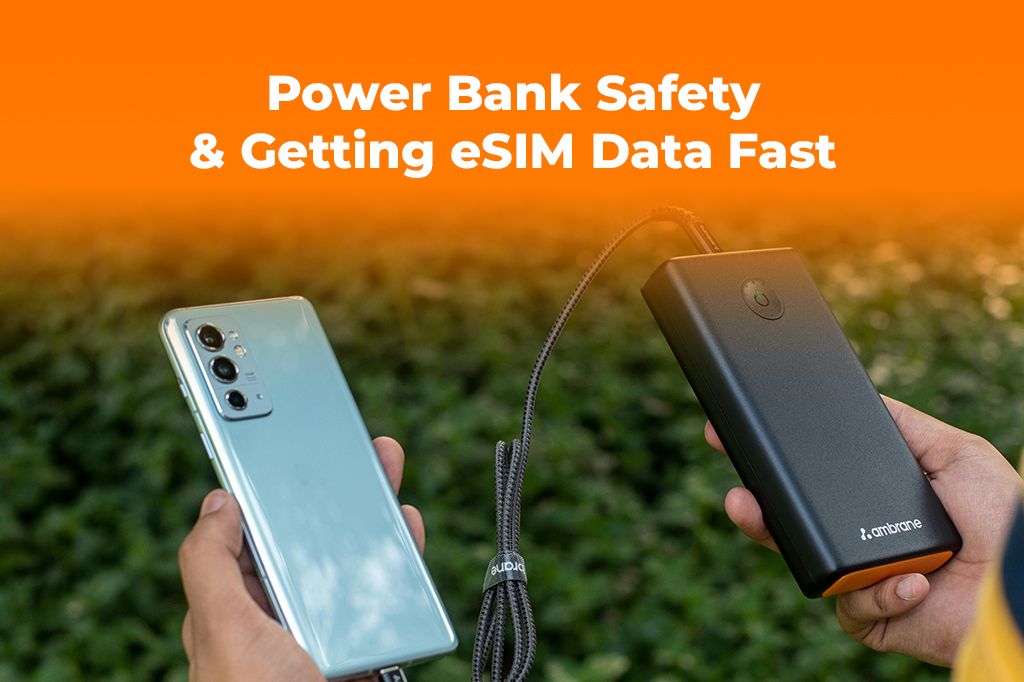
Picture by DEBRAJ ROY on Pexels
Power Bank Safety Rules for Flights: What You Need to Know
Carrying a power bank is an essential part of your travel tech kit. It ensures that your devices remain charged during long flights or layovers. However, airlines and airports have specific safety rules about carrying power banks, so it’s important to follow these guidelines to avoid complications during your journey.
Power Bank Regulations for Air Travel
-
Capacity Limitations
Airlines typically allow power banks with a capacity of up to 100Wh (Watt-hour) to be carried in carry-on luggage without restrictions. If your power bank is between 100Wh and 300Wh, it may be allowed in carry-on luggage, but you might need to ask the airline for permission. Power banks over 300Wh are generally not permitted on planes. -
Keep It in Your Carry-On
Power banks must be placed in your carry-on luggage, not checked baggage. This is because lithium-ion batteries (which power most power banks) can pose a fire hazard if damaged, and keeping them in the cabin makes it easier for flight attendants to address any issues. -
Quantity Limits
Most airlines limit the number of power banks you can carry. Typically, you can bring up to two power banks with a capacity between 100Wh and 300Wh. Always check the specific airline’s policies, as rules can vary. -
Protective Cases
To avoid accidental activation or damage during transit, it’s a good idea to store your power bank in a protective case. This helps prevent short circuits or other safety risks while in your bag.
By following these safety rules, you can ensure that your power bank will be allowed on the plane without any issues, so you can keep your devices charged throughout your flight.
Why You Need an eSIM for Quick Connectivity After Landing
One of the most frustrating parts of international travel is the moment you land and realize you need to get connected. Whether it’s checking emails, looking up directions, or staying in touch with family, having reliable mobile data is essential. An eSIM offers a seamless and quick solution to get connected as soon as you touch down.
What is an eSIM and Why is It Essential for Travelers?
An eSIM (embedded SIM) is a digital SIM card embedded in your phone, which allows you to connect to local mobile networks without needing to swap physical SIM cards. It provides a faster and more efficient way to activate mobile data as soon as you arrive in your destination country. For example, when traveling to a country like Singapore or Hong Kong, an eSIM allows you to activate local data plans without the hassle of finding a SIM card at the airport.
Learn more about what an eSIM card and how it works for international travel.
Benefits of eSIM for Travelers:
- Instant Connectivity: No need to hunt for a local SIM card or wait in long queues at the airport. Simply activate your eSIM, and you’re connected to the local network immediately.
- Avoid Roaming Charges: By using a local eSIM plan, you can avoid the high roaming charges associated with traditional SIM cards, especially when you travel to multiple countries.
- Multiple Profiles: Many phones allow you to store multiple eSIM profiles, so you can have data plans for different countries without needing to swap SIM cards.
- Affordable Plans: eSIM providers like Yoho Mobile offer flexible and cost-effective data plans for travelers, ensuring you get the best coverage without breaking the bank.
Getting eSIM data fast ensures that you stay connected and avoid the hassle of managing roaming charges or searching for local SIM cards during your travels.
How to Set Up Your eSIM for Fast Activation After Landing
Setting up an eSIM for your trip is a simple process, and activating it after landing is even easier. Here’s how you can get started:
-
Choose Your eSIM Provider
Before your trip, select an eSIM provider that offers coverage in the country you’ll be visiting. Yoho Mobile offers a range of plans for travelers, ensuring you have flexible options for your journey. Explore eSIM plans for your trip here. -
Purchase Your eSIM Plan
Once you’ve chosen the right plan, complete the purchase online. You’ll receive a QR code or activation code that will allow you to set up your eSIM as soon as you land. -
Activate Your eSIM on Arrival
After you arrive, simply scan the QR code or enter the activation details on your phone. The process is quick and will connect you to the local mobile network within minutes. -
Select Your Data Plan
Depending on your needs, you can choose a plan with more data for heavy usage or a smaller plan for lighter browsing and communication. This flexibility ensures that you only pay for what you need. -
Stay Connected
Once activated, you can start using mobile data to access maps, travel apps, and stay in touch with family or colleagues. Whether you’re exploring the city or handling business tasks, you’ll have reliable data at your fingertips.

A traveler in a bustling airport, easily activating their eSIM while walking through the terminal. Tone: Efficient and clear, showcasing the ease of eSIM activation.
FAQs: Power Banks and eSIM for Travel
1. Can I carry a power bank with me on all flights?
Yes, but it depends on the power capacity of your power bank. If it exceeds 100Wh, you may need special permission from the airline, and it should always be carried in your carry-on luggage.
2. How long does it take to activate an eSIM after landing?
Activating an eSIM takes just a few minutes. Once you scan the QR code or enter the activation details, you’ll be connected to the local network almost immediately.
3. Do I need to replace my current SIM card when using an eSIM?
No, the eSIM functions digitally, allowing you to keep your regular SIM card while also using the eSIM for data in another country. You can switch between the two as needed.
Conclusion
Whether you’re flying long distances or heading to a nearby destination, staying connected and powered up is essential for a smooth journey. By following the power bank safety rules and setting up your eSIM before your trip, you ensure that your devices stay charged and you stay connected without the headache of traditional roaming. Keep your tech in check, and get ready to enjoy your travels with reliable connectivity right from the moment you land.
Ready to stay connected and powered up on your next trip? Get your eSIM today and enjoy seamless travel with no roaming fees.
PIÙ CONSIGLI DI VIAGGIO CURATI
Best eSIM for Flight Crew & Pilots | Yoho Mobile Global Plans
Leggi di piùTravel TipsBest Day to Book Flights: Myths, Hacks, and Other Tips
Leggi di piùTravel TipsBest eSIM for Flight Crew: Stay Connected Globally | Yoho Mobile
Leggi di piùTravel TipsBest eSIM for Flight Crew & Pilots (2025) | Yoho Mobile
Leggi di piùTravel Tips2025 Guide to In-Flight & Airport Connectivity | Yoho Mobile
Leggi di più