
Make every Singapore–Malaysia crossing smoother by setting up a reliable eSIM so your data never cuts out at the border and your bill never blows up after the trip. With the right digital setup, you keep maps, ride-hailing and chats working from your door in Singapore, through Woodlands Checkpoint, all the way to Johor Bahru and beyond. If you want your next day out or weekend escape to feel effortless, it pays to sort out your mobile plan before you even join the queue for immigration.
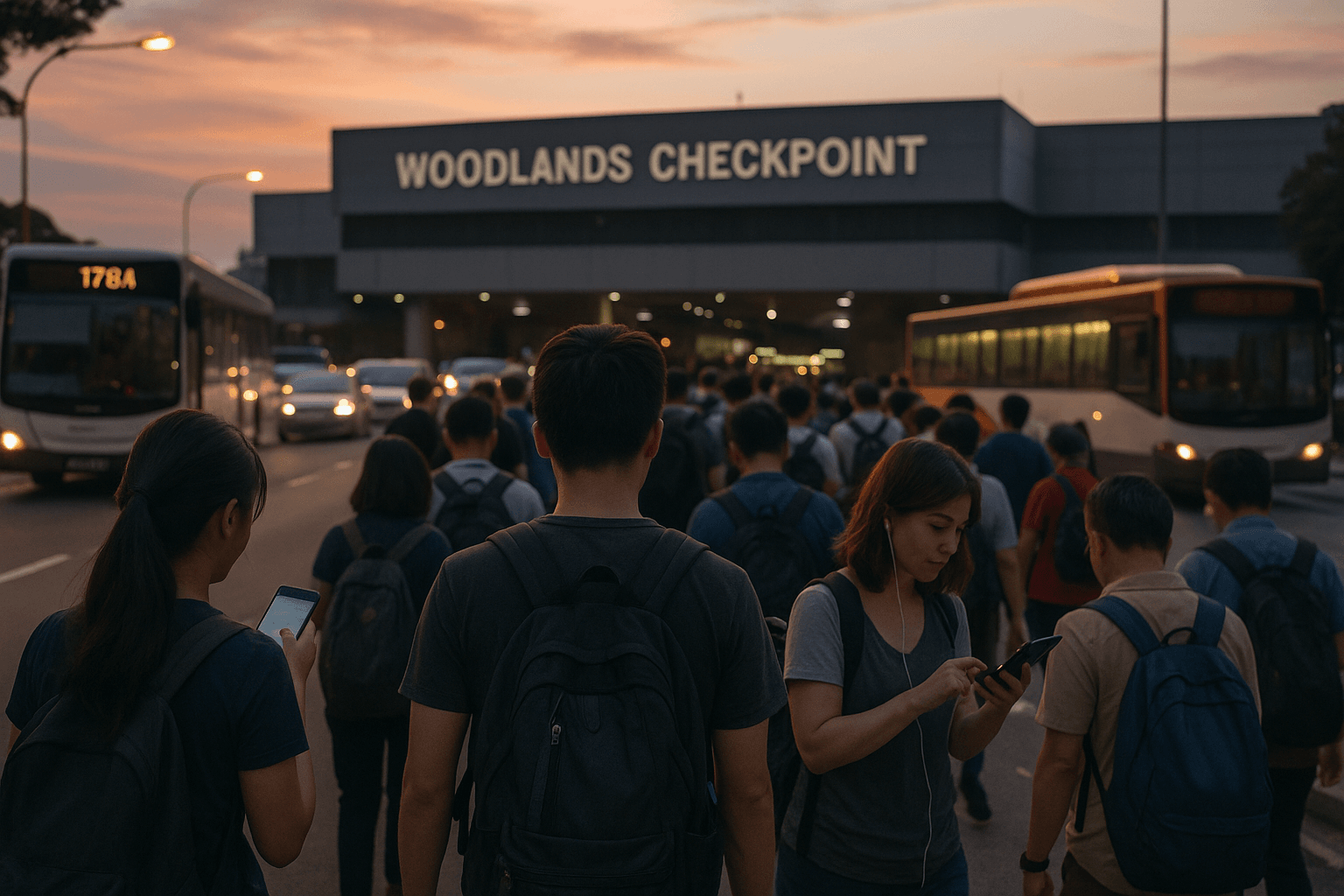
Why an eSIM Belongs in Your SG–MY Border Checklist
If you cross the border often, you already know how fast conditions can change: traffic jams into Woodlands Checkpoint, last-minute changes in meeting times, or a sudden downpour when you are trying to book a ride. In every case, your phone and your data are what keep you in control.
To understand why a digital SIM matters, it helps to know what is an eSIM card. Instead of inserting a physical SIM, you download a digital profile straight to your phone. That lets you keep your main number active while adding a dedicated singapore to malaysia data line on the same device.
For border travel, this gives you three big advantages:
- You can pick a trusted provider before you travel, not in a rush at a kiosk.
- You can clearly separate your home plan from your malaysia travel sim.
- You can set your new line to handle all roaming, avoiding roaming fees on your primary SIM.
This is especially powerful if you take regular day trips, since an esim for day trips to jb means you can leave Singapore in the morning, shop and eat in JB in the afternoon and be back home at night on the same simple data plan.
Mobile industry groups such as the GSMA highlight how eSIM technology lets users store multiple plans securely and switch between them without swapping cards, which is exactly what you want when your life runs across two sides of the Causeway.
The Real Pain Points of Crossing Without a Smart Data Plan
If you depend on your home SIM alone, your singapore to malaysia data experience can feel unpredictable and expensive. The most common problems show up at the worst possible times:
-
Signal drops right when you need it most.
You might lose coverage inside or around Woodlands Checkpoint, just as you are trying to show a QR ticket or contact your ride. -
Roaming costs that hit after the fun is over.
You think you are using a cheap plan, only to discover your home carrier charges steep rates in Malaysia. Suddenly, avoiding roaming fees becomes a priority—but it is already too late. -
Switching SIMs in crowded places.
Swapping to a physical malaysia travel sim on a bus or in a packed terminal increases your risk of losing your main SIM or getting the configuration wrong under pressure. -
Inconsistent app performance.
When your data drops, maps and ride-hailing apps struggle to load, and you can end up feeling lost or stuck, especially on your first few trips.
An esim for day trips to jb or longer visits replaces all of that complexity with one clean setup. You stay on a provider you picked deliberately, your singapore to malaysia data stays predictable, and your focus returns to your plans instead of your signal bars.
If you want to see how one account can hold multiple regional profiles, you can walk through how Yoho Mobile works, which explains the basics without requiring any technical background.
Step-by-Step: Setting Up Your eSIM Before You Reach the Border
Getting ready is easier than dealing with roaming surprises after your trip. Here’s a clear setup you can follow before you next head through Woodlands Checkpoint.
-
Confirm that your phone supports eSIM
Check compatibility in settings
- On iPhone, go to Settings → Mobile Data / Cellular and look for “Add eSIM” or “Add Cellular Plan.”
- On Android, open Settings → Network & Internet → SIMs or eSIM → “Add eSIM.”
- If you don’t see these options, search your exact model on the manufacturer’s site.
Once you confirm support, you are ready to use a digital malaysia travel sim instead of juggling extra plastic.
-
Decide how you travel between Singapore and Malaysia
Match your plan to your routine
- Occasional visitor: 1–2 trips a month for shopping or food.
- Frequent day-tripper: Weekly or even more frequent day trips to JB.
- Regular commuter: Multiple crossings a week for work, school or family.
If you cross often, an esim for day trips to jb or a multi-month package usually makes more sense than buying a new short-term plan every time.
-
Choose the right coverage and data size
Think beyond just “cheap”
- Make sure your plan clearly supports both Singapore and Malaysia.
- Confirm coverage strength near JB city, main malls and areas you visit often.
- Estimate your usage: messages and maps use little data, but video calls and social uploads can add up fast.
For many people, a focused singapore to malaysia data plan of 5–15 GB per month is enough for navigation, social media and some hotspot use.
-
Purchase your plan from a trusted provider
Avoid last-minute kiosks
- Buy from a reputable provider with transparent terms.
- Check reviews and sample use cases; commuters at Woodlands Checkpoint often share experiences that reflect real-world performance.
- Complete your purchase online and wait for your QR code email.
This step is where you lock in avoiding roaming fees, because you set your data rules before your phone even sees the border.
-
Install the eSIM profile on your phone
Add your new line in minutes
- Open your phone’s “Add eSIM” or “Add mobile plan” screen.
- Scan the QR code from your provider or enter the activation code by hand.
- Give it a clear label such as “SG-MY data” or “Malaysia travel sim.”
From this point, your esim for day trips to jb is technically in place; it just needs to be activated and set as your main data source.
-
Set your data defaults and roaming rules
Make your phone do the smart thing by default
- Set your new eSIM as the default line for mobile data.
- Turn off data roaming on your home SIM to make avoiding roaming fees automatic.
- Keep your home SIM active only for calls and SMS if you still need that number.
With this setup, all singapore to malaysia data usage passes through your travel plan while your primary number remains available.
-
Test your connection before a big trip
Run a quick “mini day trip” test
- Step out with your phone, turn on mobile data and browse a few sites.
- Use maps between neighborhoods, then turn data off on your home SIM to confirm the travel line is doing all the work.
- Watch how your phone behaves as you approach the northern part of Singapore; if signal feels weak, note it and check your provider’s network tips.
A short test like this gives you confidence that when you do head toward Woodlands Checkpoint, your malaysia travel sim profile will handle everything quietly in the background.
If you like the idea of setting this up once and reusing it for future weekends, you can browse flexible Singapore–Malaysia options on the Yoho Mobile Buy eSIM page and pick the data size that matches how many day trips to JB you actually take.
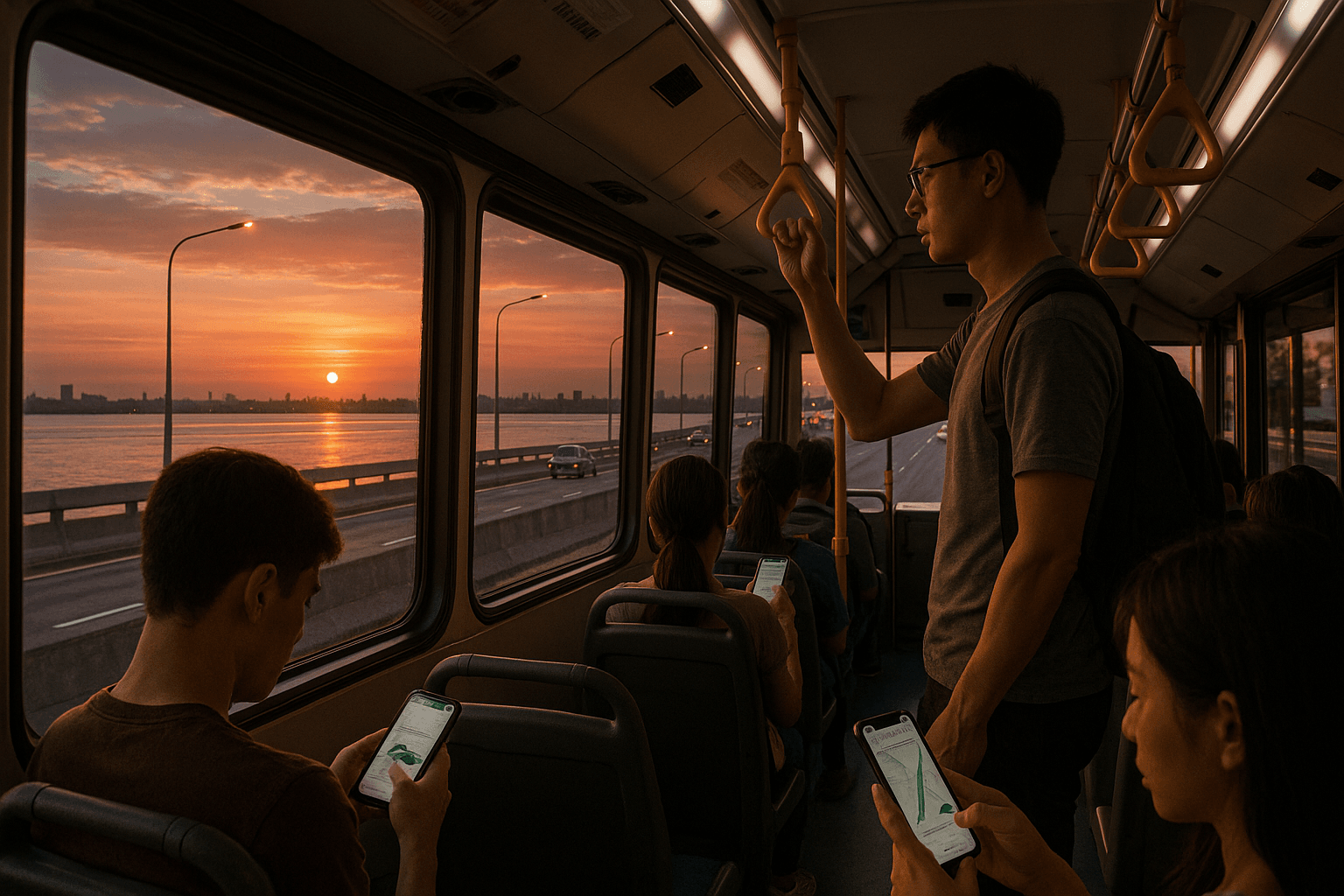
Real-Life Scenarios: How an eSIM Changes Your SG–MY Trips
Seeing how different travelers actually use an eSIM makes it easier to design your own setup.
1. The weekend JB foodie
You head from Singapore to JB for massages, cafés and shopping, typically on Saturdays. Before switching to an eSIM, you relied on your home plan and hoped the roaming charges would not be too bad. Now, with an esim for day trips to jb, you activate your malaysia travel sim line as you leave home, enjoy stable singapore to malaysia data all day and come back through Woodlands Checkpoint knowing exactly what you spent.
2. The cross-border commuter
You live in Johor Bahru and work or study in Singapore, crossing several times a week. Your priorities are cost transparency and uptime. A dedicated SG–MY eSIM becomes your main data line; your home SIM stays for local calls. Your maps, messaging apps and work tools keep running across both networks, and avoiding roaming fees is built into your routine instead of being a monthly fight with your bill.
3. The creator or remote worker
You shoot content or work with clients across both countries. You need upload speed, tethering and consistent service in trains, buses and cafés. With an eSIM, you can choose a plan that supports hotspot, use your phone as a router during long queues at Woodlands Checkpoint, and treat your singapore to malaysia data as a single pool for both daily life and work.
Telecom watchdogs and regulators often remind travelers to understand roaming terms before leaving their home country, and those warnings apply just as much on short hops to Malaysia as on long-haul flights. With a clear eSIM setup, you sidestep the fine print and build a pattern you can trust.
Malaysia Travel SIM vs eSIM: What Should You Use?
You might wonder whether you should stick with a classic malaysia travel sim, go full-digital with an eSIM, or combine both.
Here’s a simple way to look at it:
- If your phone does not support eSIM, a physical malaysia travel sim is still your best option for local rates and better coverage than basic roaming.
- If your phone does support eSIM and you make frequent crossings, a digital plan is usually far more convenient:
- No physical swapping at checkpoints.
- Faster activation and easier plan changes.
- Clear separation between home and travel usage.
Some commuters even keep both: a physical malaysia travel sim as a backup and an eSIM as their main SG–MY line. That can make sense if you rely heavily on your phone for mission-critical work where redundancy matters.
Either way, your goal stays the same: predictable singapore to malaysia data, reliable coverage near Woodlands Checkpoint and a simple path to avoiding roaming fees without changing your habits every weekend.
Quick Takeaways: Your Border-Ready Data Checklist
Before your next crossing, you can run through this short list:
- Check that your phone supports eSIM and update your software.
- Choose a reputable provider that clearly covers Singapore and Malaysia.
- Install an eSIM and label it clearly for SG–MY use.
- Set your travel profile as the default data line.
- Turn off data roaming on your home SIM to avoid silent charges.
- Test your connection before a big shopping run or meeting across the border.
- Keep your plan topped up if you do frequent day trips to JB, so you’re not hunting for data at the last minute.
FAQs
Do I still need my original SIM if I use an eSIM for Singapore–Malaysia travel?
Yes, you can and usually should keep your original physical SIM in your phone for calls and SMS on your main number. Your eSIM then handles singapore to malaysia data, which keeps your personal and travel usage clearly separated.
Is an eSIM reliable at Woodlands Checkpoint and on the Causeway?
Reliability depends on the underlying networks your provider partners with, but a well-chosen SG–MY eSIM is designed with these routes in mind. That’s why checking real-world reviews from commuters who cross via Woodlands Checkpoint is so helpful.
How much data do I need for day trips to JB?
If you mostly use maps, messaging and social media, 3–5 GB per month may be enough for several day trips to JB. If you stream a lot of video or tether your laptop, you may prefer 8–15 GB so you never feel restricted.
Can I share my eSIM data with others?
Yes, if your plan allows hotspot, you can share your singapore to malaysia data with friends or family. Just remember that hotspot use can drain your allowance quickly, especially if someone streams video.
What happens if I forget to turn off roaming on my home SIM?
Your phone might still use your home plan for data in Malaysia, leading to charges you were trying to avoid. That’s why part of any good border routine is double-checking roaming settings before you leave and letting your eSIM or malaysia travel sim handle all cross-border data.
Conclusion
Crossing the border between Singapore and Malaysia is much easier when your data just works, your costs stay predictable and your apps don’t blink at immigration counters. When you’re ready to stop worrying about surprise roaming bills and make every Causeway trip feel smoother, you can pick a Singapore–Malaysia data option on the Yoho Mobile Buy eSIM page and turn your next day trip to JB into a simple, connected habit.