
Going on a Cruise? Why an eSIM is Better Than Onboard Wi-Fi
If you’re preparing for a cruise, skip the expensive and slow onboard Wi-Fi—an eSIM gives you faster, more flexible connectivity at every port. You’ll stay online across multiple countries, avoid roaming charges, and share your adventures without missing a beat. Ready to see how it works? Explore cruise-ready eSIM plans here and connect before you sail.
Discover why an eSIM is the smarter alternative to onboard Wi-Fi. Learn how to stay connected on a cruise with fast, affordable data and no roaming surprises.
Why cruise Wi-Fi isn’t what travelers expect
Cruise ship Wi-Fi often looks convenient, but once you try it, you realize its limits. Even on premium ships, satellite internet means high latency and fluctuating speeds. That’s because ships rely on maritime networks far from the coast, where satellite beams must cover thousands of users simultaneously.
Most cruise lines, including major ones like Royal Caribbean and Carnival, now promote “high-speed internet at sea,” but read the fine print: bandwidth is shared, plans can cost $15–$30 per day, and video calls or uploads often fail midstream. For travelers who depend on stable connections—for remote work, content sharing, or navigation—these costs and limitations add up quickly.
That’s where modern mobile technology changes the game. With a travel eSIM, you can skip onboard networks and use fast local mobile data each time your ship docks.
Understanding what an eSIM does for cruise travel
If you haven’t used one yet, learn what is an eSIM card. It’s a digital SIM built into your phone that lets you download data plans without inserting any physical card. You can install multiple plans at once, switch between them, and stay connected in different countries—ideal for cruise travel that spans several destinations.
Instead of paying ship Wi-Fi fees, you can activate an eSIM for cruise ship port days. The moment your ship reaches land, your phone automatically connects to a local carrier. That’s faster, cheaper, and more secure than ship networks that route traffic through satellites. Plus, you can manage all of it directly from your device.
Key benefits of using an eSIM for cruise travel include:
- Instant access to local data when docked
- Avoiding expensive maritime roaming
- Better streaming quality and upload speeds
- Freedom to switch regions (Caribbean, Mediterranean, Asia-Pacific)
- No need for physical SIM cards or stores
When you plan ahead with a reliable provider, such as a Yoho Mobile international eSIM plan, you can even pre-download coverage for multiple ports in your itinerary.
The problem with maritime roaming
You might wonder: what about maritime roaming? Most major carriers automatically enable it when your phone connects to a ship’s cellular system. But those “at sea” networks are not regular carriers—they’re run by maritime service providers that charge premium rates.
Maritime roaming rates often reach $5–$15 per MB. That means watching a single short video or uploading a few photos could trigger hundreds of dollars in charges. Even background app data can cost you if you forget to switch off roaming while at sea.
That’s why many cruise lines recommend passengers put phones in airplane mode offshore. But with an eSIM, you can safely reconnect as soon as the ship docks and enjoy full-speed data for exploring each port. It’s a seamless solution to avoid roaming charges on a cruise and still stay online when you need it most.
How to use an eSIM for your cruise, step by step
Here’s a simple way to set up your international cruise data plan before departure.
-
Choose your coverage region
Decide where you’re sailing—Caribbean cruise, Mediterranean voyage, or Pacific crossing. Look for an eSIM that covers multiple countries in that region so you can stay connected at every port.
- For Caribbean cruises, a regional Yoho eSIM often covers islands like Jamaica, the Bahamas, and Barbados.
- For Mediterranean cruises, you’ll want European coverage for Spain, Italy, and Greece.
- For transatlantic journeys, a global eSIM may be best.
To compare your options, visit how Yoho Mobile works and review supported destinations.
-
Install your eSIM before boarding
After purchase, scan the QR code from your confirmation email. This adds the eSIM profile to your phone. You can keep it inactive until you’re ready to use it—perfect if you want to save data until you reach your first port.
-
Turn off maritime roaming onboard
While at sea, keep your phone in airplane mode or disable data roaming. This ensures you avoid satellite-based maritime roaming charges. Use your ship’s Wi-Fi only if necessary for messaging.
-
Activate your plan when docking
Once the ship approaches port and local signals appear, activate your eSIM. Your phone will automatically connect to a local carrier, providing full-speed mobile data for navigation, translation, and sharing updates.
-
Switch regions easily
If your cruise crosses different data zones, you can add a second or regional eSIM directly on your device. Most travelers find one regional plan—like a Yoho eSIM Caribbean or Europe package—covers all ports on their route.
Quick tip
If you use iPhones or dual-SIM Android devices, you can keep your home number active for calls or SMS while your eSIM handles data. That way, you stay reachable but still benefit from low-cost port day connectivity.
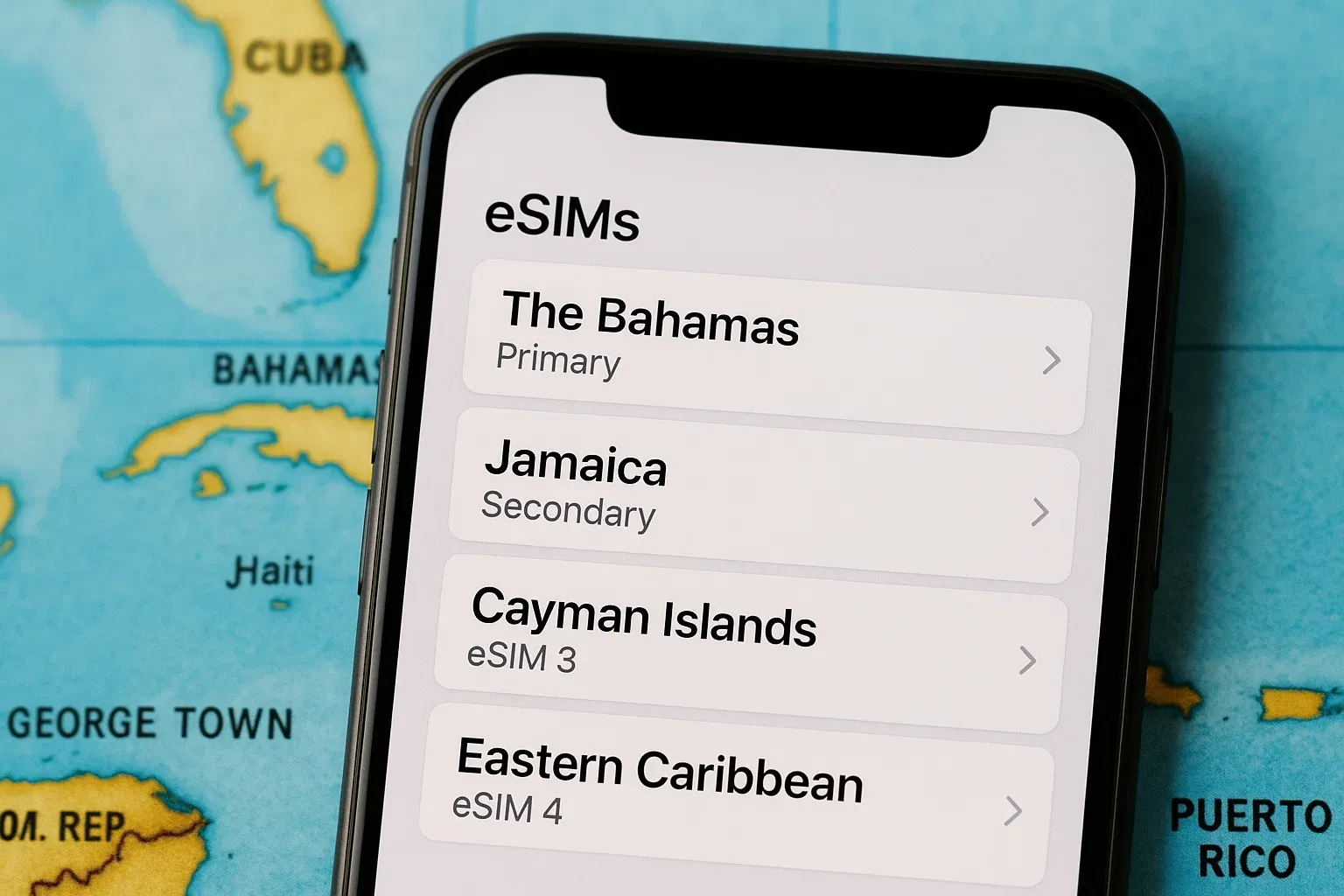
Comparing costs: eSIM vs onboard Wi-Fi vs roaming
Here’s a quick breakdown of the average costs on a typical 7-day Caribbean cruise:
| Option | Cost Estimate | Speed | Use Case |
|---|---|---|---|
| Ship Wi-Fi | $120–$210 per week | Slow to moderate | Messaging, basic browsing |
| Maritime roaming | $5–$15 per MB | Slow | Not recommended |
| eSIM (regional plan) | $10–$25 for 5–10 GB | Fast | Full data access at each port |
The savings are obvious. With a Yoho eSIM, you get gigabytes of fast data for less than the price of one day of ship Wi-Fi. You also get independence—no need to rely on limited onboard packages.
When your ship docks in destinations like San Juan or Cozumel, your eSIM automatically connects to local networks, giving you full-speed internet within seconds. That’s ideal for mapping excursions, checking restaurant reviews, or uploading videos before reboarding.
If you like the idea of staying connected without spending a fortune, get your Yoho eSIM for cruise travel before departure and use data like a local at every stop.
Top advantages of using eSIM on cruise port days
- Instant connection at port: No waiting for Wi-Fi logins or relying on ship satellites.
- No surprise bills: You control your data spending.
- Multi-country flexibility: Use one plan across several island nations or European ports.
- No SIM swapping: Install once, travel worry-free.
- Perfect for content creators: Upload videos, livestream, or post photos with strong local signals.
For most travelers, using an eSIM for cruise ship port days means convenience and predictability—two things onboard Wi-Fi rarely provides.
FAQs: eSIMs and cruise connectivity
Can I use my eSIM while the ship is at sea?
Not usually. Cellular service only works within range of coastal networks. Once the ship sails far from land, signals fade, and you’d need satellite-based maritime roaming—which is expensive. Keep your eSIM ready for port days instead.
What happens if I forget to turn off roaming at sea?
If your phone connects to a maritime network, your carrier may charge high roaming fees. Always enable airplane mode once you lose shore signal, then turn it off when your ship docks.
Will I need separate eSIMs for each port?
No. A regional or international cruise data plan from Yoho covers multiple countries, so one QR code can last your entire itinerary.
Do I need internet to activate an eSIM?
You can install it using the QR code before departure. Activation starts automatically once you reach a supported country’s mobile network.
Are eSIMs secure?
Yes. eSIMs follow GSMA eSIM standards for encryption and authentication. They’re safer than public Wi-Fi and harder to clone than physical SIM cards.
Key takeaways
- Cruise ship Wi-Fi is costly and unreliable due to satellite limits.
- Maritime roaming leads to extreme charges; avoid it completely.
- An eSIM for cruise ship travel offers affordable, high-speed data at each port.
- You can manage one plan across multiple countries, perfect for international cruise data needs.
- Yoho Mobile’s regional plans make port day connectivity easy and budget-friendly.
Conclusion
Cruising should feel like freedom, not a fight for internet access. By planning ahead and using an eSIM instead of onboard Wi-Fi, you can save money, stay connected, and focus on the journey itself. Ready to sail smarter? Get your Yoho eSIM for cruise travel here and enjoy reliable coverage from port to port.
MORE CURATED TRAVEL TIPS
Best eSIM for Danube River Cruise | Yoho Mobile Europe Plans
Read moreDestination GuidesAlaska Cruise eSIM: Stay Connected in Port (2026) | Yoho Mobile
Read moreTravel TipsDoes eSIM Work on a Cruise Ship? Your 2026 Connectivity Guide
Read moreTravel TipseSIM for Cruises 2026: Caribbean & MSC Port Day Data | Yoho Mobile
Read moreTravel RouteseSIM for Mediterranean Cruise: Stay Connected in Every Port | Yoho
Read more