Does Your OPPO Phone Support eSIM? A ColorOS 16 Guide
Most modern OPPO phones now support eSIM, and with ColorOS 16, it’s easier than ever to check compatibility and set up a digital SIM in minutes. eSIM simplifies travel, avoids physical SIM swaps, and gives you more control over data and roaming. If you’re planning a trip soon, you can stay connected from touchdown by choosing a travel plan from the Yoho Mobile store after learning the basics of what is an eSIM card.

Understanding OPPO eSIM Compatibility on ColorOS 16
Before you begin activating your digital line, it helps to know how OPPO eSIM compatibility works. Not all OPPO phones support eSIM, and support varies by region, carrier, and model series. With ColorOS 16, OPPO expanded support for eSIM across mid-range and flagship lines—particularly the Find X and Reno series.
eSIM technology allows you to download a mobile plan digitally rather than inserting a physical card. If you’re new to digital SIMs, you can explore the basics through resources such as GSMA’s eSIM overview from the global mobile association. This shift to Android eSIM standards makes connectivity easier, especially for travelers, remote workers, and creators who frequently switch between local and international data lines.
If you want to compare travel-friendly activation methods, you can also explore how Yoho Mobile works, including scanning QR codes and instant eSIM installation.
Which OPPO Devices Support eSIM?
To help you quickly know whether your OPPO device is ready for eSIM, here’s an updated overview of supported models across ColorOS 16-compatible devices. Availability may differ depending on country or carrier:
- OPPO Find X series (Find X5 and newer)
- OPPO Reno series (Reno 8, 9, 10, and select Reno 11 regions)
- OPPO A-series mid-range models with 5G
- OPPO Find N foldables
- Newer Region-specific 5G models designed for Europe, the Middle East, and parts of Asia
These lists evolve regularly as OPPO rolls out firmware updates and partnerships with more carriers. Searching OPPO’s official support articles or tech-trusted sources like Android Authority can also help confirm OPPO eSIM compatibility for your exact model.
How to Check if Your OPPO Phone Supports eSIM
Checking support on your ColorOS 16 device takes less than 30 seconds:
- Open Settings.
- Tap Mobile network.
- Select SIM Management or Dual SIM manager OPPO.
- Look for Add eSIM or eSIM options.
If the option appears, your phone supports digital SIM connectivity. If not, your model may only support physical SIMs or require a software update. Some carriers restrict eSIM activation to specific regions, so checking their documentation is also helpful.
As you explore eSIM-compatible models, you may also want to browse examples of Android-compatible travel plans on the Yoho Mobile eSIM shop.
How to Add eSIM on OPPO (ColorOS 16)
Once you’ve confirmed support, you’re ready to begin ColorOS eSIM setup. The steps below outline the full activation process:
-
Open Settings → Mobile Network
This is where all SIM and connection options are managed. -
Tap “Add eSIM”
Your phone will show instructions to scan a QR code or enter details manually. -
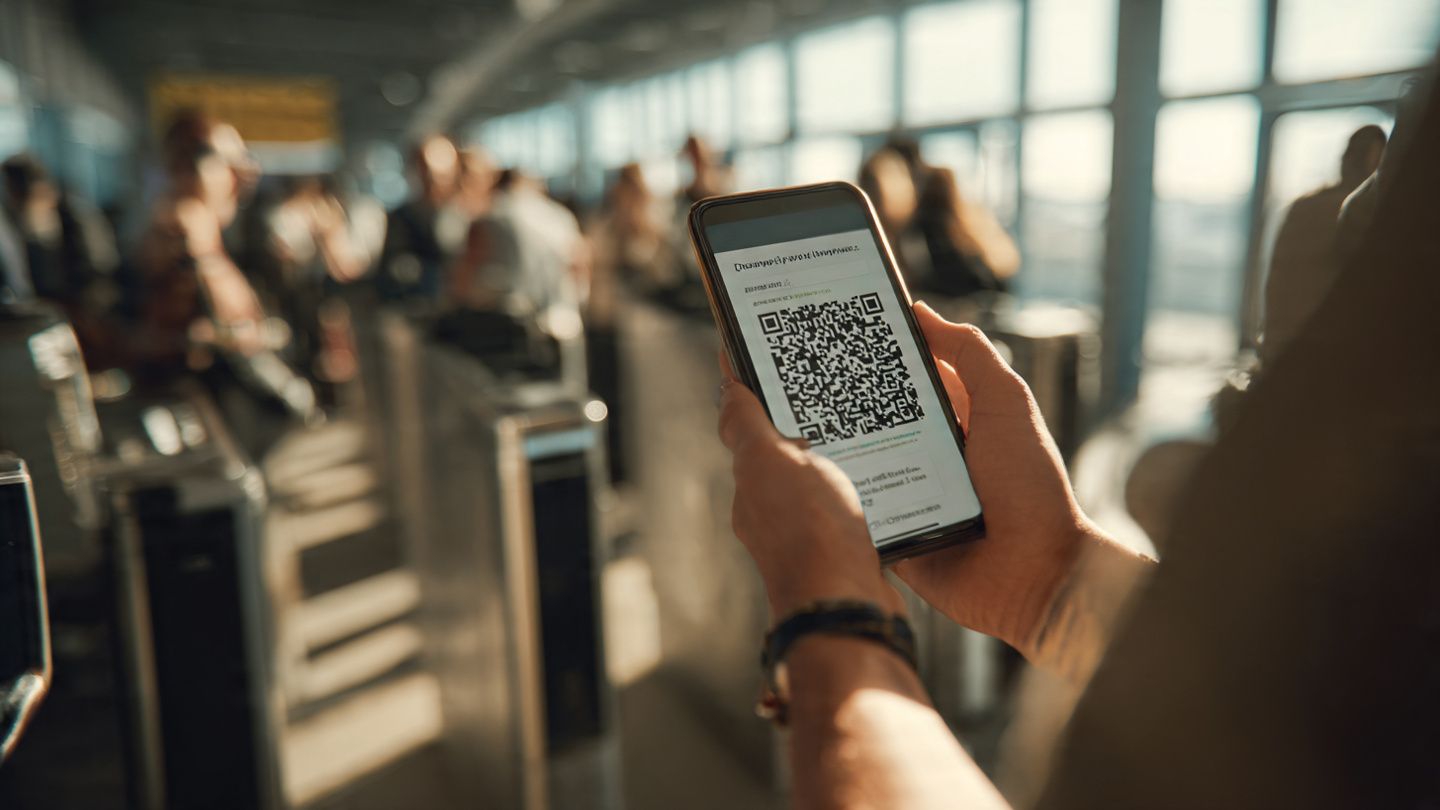
Scan your carrier’s QR code
This is the fastest method. Your Android camera will auto-detect the activation code.If QR scanning fails
- Try increasing brightness on the second device
- Clean your camera lens
- Check the QR code for glare
- Use manual entry if needed
-
Wait for your eSIM profile to download
ColorOS may show a loading screen while your digital SIM is being installed. -
Activate the line
Choose whether you want to use the new eSIM for mobile data, calls, or SMS. -
Restart your device if prompted
This helps finalize setup and resolves most network registration delays.
These steps apply across all ColorOS 16 devices, whether you’re using a Find X flagship or a Reno series mid-ranger.
Benefits of Using eSIM on OPPO Devices
Once your OPPO device is configured, you gain several practical benefits:
-
No physical SIM swapping
Ideal for people who frequently move between countries. -
Instant activation
QR-based installation is faster than going to a store. -
Dual SIM flexibility
You can keep your home number active with a physical SIM while using travel data with an eSIM—perfect for digital nomads. -
Better LTE and 5G management
With dual SIM manager OPPO, switching lines only takes a tap. -
More secure
eSIMs can’t be removed if your device is lost or stolen.
Many travelers also appreciate having immediate data access for maps, ride-hailing apps, and cloud photo backups. Fast mobile data is especially valuable when capturing trips with OPPO’s AI-enabled camera systems.
Best Practices for Successful Android eSIM Setup
ColorOS 16 is stable, but following best practices ensures a smooth activation:
- Update your ColorOS software before installing an eSIM.
- Use a strong Wi-Fi network while downloading your profile.
- Disable VPN temporarily if installation stalls.
- Confirm that your carrier supports Android eSIM activation.
- Restart your device after installation to refresh network settings.
- Use dual SIM manager OPPO to set the correct line for data and roaming.
If you want a dependable travel experience, you might appreciate that Yoho Mobile plans activate instantly on ColorOS devices.
Troubleshooting eSIM Issues on OPPO
Though many users complete activation without issues, here are some common scenarios:
-
“eSIM not supported” message appears
- Update ColorOS
- Verify model and region compatibility
- Confirm your carrier allows digital SIMs
-
Data not working after activation
- Check your APN settings
- Toggle airplane mode
- Verify you selected the right SIM for data
-
Can’t scan QR code
- Improve lighting
- Try manual entry
- Zoom in on the QR code on the secondary device
-
Roaming not working abroad
- Review the coverage region
- Enable roaming in settings
- Consider switching networks manually
Quick Summary: What You Should Remember
Here’s a fast recap to help you understand OPPO eSIM compatibility:
- Many OPPO phones running ColorOS 16 now support eSIM.
- You can easily check compatibility in SIM Management settings.
- Adding your digital SIM is quick using QR-based activation.
- ColorOS eSIM setup improves the experience with smoother menus and better dual-line control.
- Using an Android eSIM gives you flexibility for travel, remote work, and multiple mobile identities.
If you’re gearing up for an international trip, you can get a head start by securing a Yoho Mobile travel eSIM that installs easily on any supported OPPO device.
FAQ
Does my OPPO phone support eSIM?
Many newer models do. Check under Settings → Mobile network → SIM Management to confirm.
How do I add eSIM on OPPO?
Use the Add eSIM option in ColorOS 16, then scan your QR code and follow the activation steps.
Can OPPO devices use dual SIM (physical + eSIM)?
Yes. You can manage both lines through dual SIM manager OPPO tools in ColorOS.
Is Android eSIM reliable for international travel?
Yes. eSIM works well in most regions and is supported by major carriers and travel data providers.
Do all ColorOS versions support eSIM?
No. Support grows with each release, and ColorOS 16 provides the widest set of compatible devices.
Conclusion
ColorOS 16 makes eSIM activation on OPPO devices fast, intuitive, and travel-friendly, giving you more freedom to manage data plans and stay online wherever you go. To stay connected across borders, consider choosing a Yoho Mobile travel plan that installs instantly on compatible OPPO phones.
DAUGIAU ATRINKTŲ KELIONIŲ PATARIMŲ
Got the New OPPO Find X9 Pro? Activate Your eSIM for Travel
Learn how to activate eSIM on the OPPO Find X9 Pro, set up dual SIM for travel, and stay connected abroad using ColorOS 16’s updated eSIM features.
Got the OPPO Find X9? Here's How to Set Up Your eSIM
Learn how to set up your eSIM on the OPPO Find X9 with this simple step-by-step guide. Activate dual SIM, stay connected abroad, and make the most of your new OPPO phone.
Is the New OPPO Find X9 Pro eSIM Compatible? A Guide
A complete guide to OPPO Find X9 Pro eSIM support, activation steps, and what travelers and creators should know when using the newest OPPO flagship with digital SIM technology.