
Typhoon in Philippines: How an eSIM Keeps You Safe & Connected
When traveling to the Philippines, especially during typhoon season, staying informed and connected is crucial. Typhoons in the Philippines can cause disruptions, and having access to real-time information is essential for safety. An eSIM offers a practical solution for keeping you connected with travel alerts, emergency communication, and navigation, ensuring your trip remains as smooth as possible even when the weather isn’t. In this guide, we’ll explain how an eSIM can keep you safe and connected during your travel to the Philippines, especially during typhoon season.
Ready to stay safe and connected? Get your eSIM for the Philippines today and stay updated during your trip.
Picture by Jorge Roman on Unsplash
Why an eSIM is Essential for Travel in the Philippines During Typhoon Season
Traveling to the Philippines during typhoon season comes with the potential for unexpected weather disruptions. An eSIM provides a reliable and cost-effective way to stay connected to vital communication channels, ensuring you can receive timely weather updates, travel alerts, and emergency notifications.
Unlike traditional SIM cards, an eSIM allows you to activate your mobile plan digitally, avoiding the hassle of swapping SIM cards. Whether you’re traveling across the islands or staying in one place, an eSIM ensures you’re always connected to the internet, allowing you to check forecasts, connect with local authorities, and access emergency services if needed.
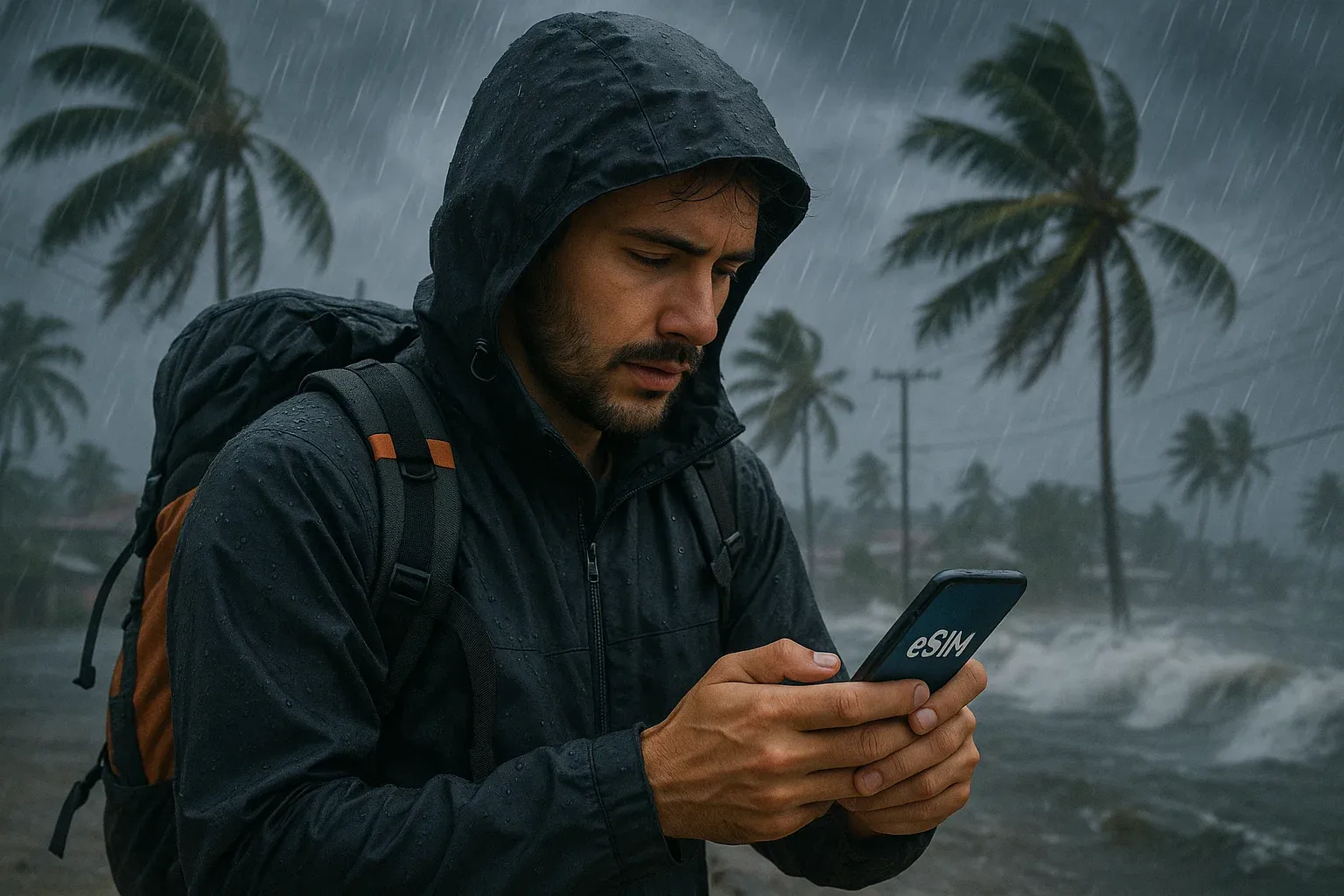
Benefits of Using an eSIM During Typhoon Season in the Philippines
An eSIM can significantly enhance your travel experience, particularly in emergency situations like typhoons. Here’s how an eSIM is beneficial:
-
Stay Informed with Travel Alerts
One of the primary advantages of having an eSIM in the Philippines during typhoon season is staying up-to-date with the latest weather alerts and travel warnings. With real-time access to weather apps, news sites, and official notifications, you can make informed decisions about your travel plans. -
Avoid Roaming Charges
Traditional roaming charges can be expensive, especially when traveling during unpredictable weather events. An eSIM offers cost-effective data plans, allowing you to access essential services without worrying about exorbitant roaming fees. -
Seamless Connectivity
Whether you’re in Manila, Cebu, or one of the many islands in the Philippines, an eSIM ensures continuous connectivity across the country. This is especially important during typhoon season, when staying connected for safety, navigation, and communication is crucial. -
Quick and Easy Setup
An eSIM allows you to set up your mobile data plan instantly. There’s no need to visit a store or wait in line to buy a physical SIM card. Simply scan a QR code, and you’re ready to go, ensuring you can stay connected as soon as you land. -
Multiple Device Support
With an eSIM, you can use your data plan across multiple devices such as smartphones, tablets, and smartwatches. This gives you the flexibility to stay connected on all your devices, whether you need to check weather updates on your phone or use a tablet for navigation.
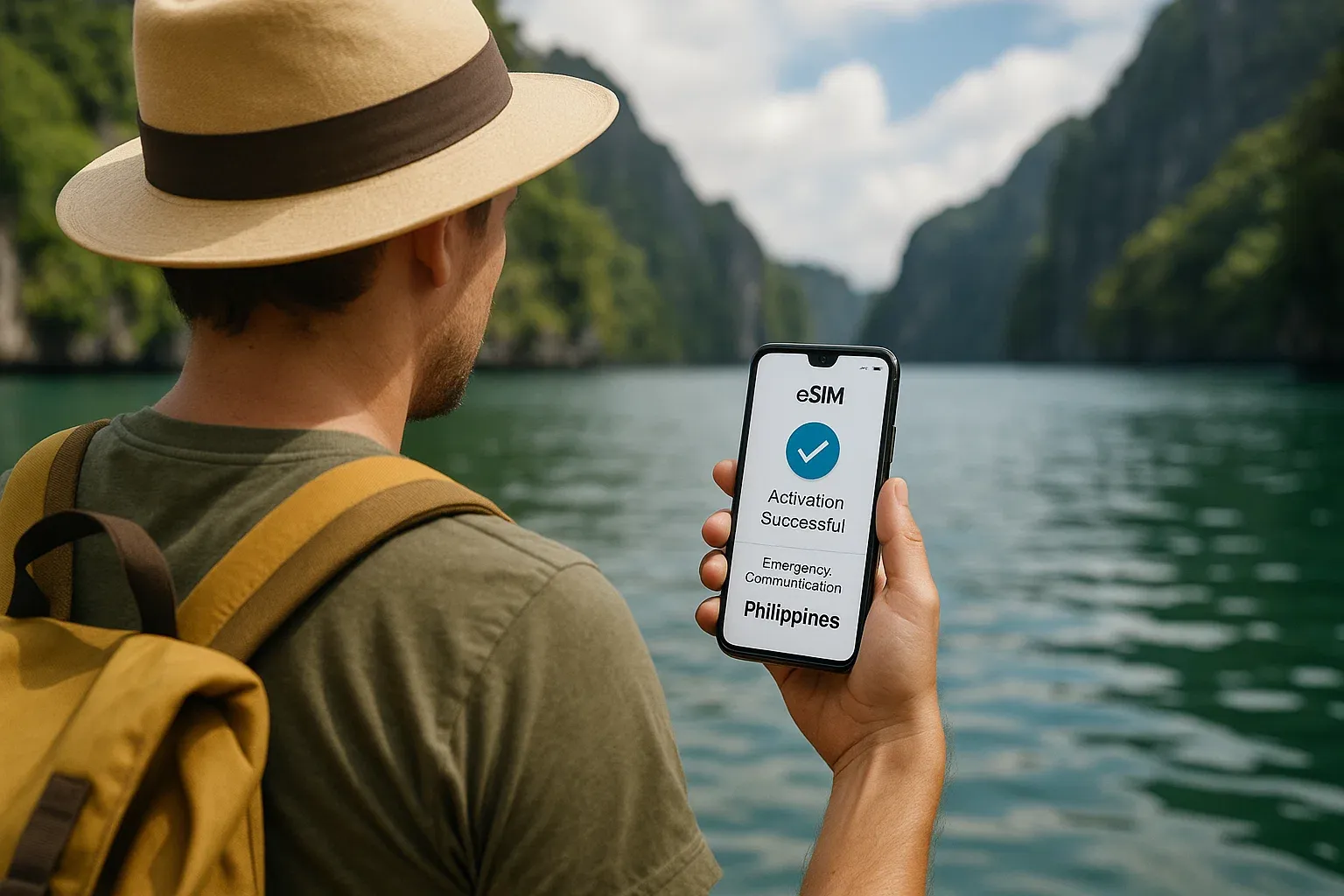
How to Set Up Your eSIM for the Philippines During Typhoon Season
Setting up an eSIM for your trip to the Philippines is quick and easy. Follow these steps to ensure you’re ready for any unexpected weather disruptions:
Step 1: Choose Your eSIM Plan
Before you travel, select a Philippines eSIM plan that fits your data needs. Look for a plan that offers reliable coverage for weather updates, communication, and navigation, especially in remote or rural areas where service might be less reliable.
Step 2: Purchase and Receive Activation Details
Once you’ve selected your plan, purchase your eSIM online. After the transaction, you’ll receive a QR code or activation details from your eSIM provider. Make sure your device supports eSIM technology before purchasing.
Step 3: Install Your eSIM
To install your eSIM:
- Open your phone’s Settings.
- Tap Network & Internet or Mobile Data.
- Select Add Mobile Plan.
- Scan the QR code or follow the activation instructions provided by your eSIM provider.
- Complete the setup by following the on-screen prompts.
Step 4: Enable Data Roaming (if necessary)
To ensure you stay connected across different networks, especially when traveling between islands or remote areas, make sure data roaming is enabled on your phone. This ensures you can access the best available network for reliable service.
Step 5: Start Using Your eSIM
Once your eSIM is activated, you’ll have immediate access to data services. You can use your eSIM for everything from checking weather forecasts to staying connected with loved ones during a typhoon.
Best eSIM Plans for Staying Safe and Connected in the Philippines
Here are some of the best eSIM options for travelers to the Philippines, especially during typhoon season:
-
Yoho Mobile’s Philippines eSIM
Yoho Mobile offers flexible and affordable data plans for travelers to the Philippines. With reliable coverage, you can stay informed and connected throughout the country, including during typhoons or other emergency events. -
Airalo Philippines eSIM
Airalo offers data plans for the Philippines, ideal for travelers who want to stay connected without worrying about roaming fees. Their plans are perfect for short-term visits and provide reliable service even in remote areas. -
GigSky Philippines eSIM
GigSky provides a global data plan that works seamlessly in the Philippines. Their eSIM service offers flexible data options and is great for travelers visiting multiple countries or those who need a reliable service during emergencies.
FAQs
What is an eSIM and how does it work?
An eSIM is a digital SIM card that is embedded in your device. It allows you to activate a mobile data plan without needing a physical SIM card. For more details, check out our guide on what is an eSIM card.
Can I use my eSIM during a typhoon in the Philippines?
Yes, an eSIM will work during a typhoon as long as you have a reliable internet connection. It ensures you stay connected to important travel alerts, weather updates, and emergency communication services.
Do I need to change my eSIM when I travel between islands in the Philippines?
No, an eSIM provides seamless coverage across different regions of the Philippines. You won’t need to swap SIM cards when traveling between islands, making it a convenient option for seamless connectivity.
How do I activate my eSIM for the Philippines?
To activate your eSIM, simply scan the QR code provided by your eSIM provider, and follow the on-screen instructions. The process is quick and easy.
Conclusion
Traveling to the Philippines during typhoon season doesn’t have to be stressful if you’re prepared. With an eSIM, you can stay connected, receive real-time updates, and make sure you’re safe throughout your journey. Whether you’re monitoring the weather or staying in touch with loved ones, an eSIM is an essential tool for navigating the challenges of typhoon season. Ready to stay connected during your trip? Get your eSIM for the Philippines today and ensure you’re always informed.
עוד טיפים מובחרים לטיולים
Japan Typhoon Season Safety: A Traveler's Digital Guide 2025
קרא עודTravel TipsStay Connected & Safe During a Philippine Typhoon | Yoho Mobile
קרא עודTravel TipsPhilippines Typhoon Season Travel Guide: Stay Safe & Connected
קרא עודDestination GuidesTyphoon Alert Philippines: Why an eSIM Is Essential for Safety
קרא עודTravel TipsTyphoon Alert in Thailand: How an eSIM Keeps You Safe & Informed
קרא עודTravel TipsTyphoon Travel Safety: A Digital Preparedness Guide for Asia
קרא עוד