
Does the Nothing Phone 3a Lite Support eSIM? A Complete Guide
The short answer is that the Nothing Phone 3a Lite does support eSIM, giving you the freedom to activate digital data plans without swapping physical cards. This makes it far easier to stay connected while traveling, managing two numbers, or switching carriers instantly. If you’re planning to use your Nothing Phone 3a Lite abroad, you’ll enjoy smoother setup and better roaming options with an eSIM. Ready to stay connected the smarter way? Browse flexible global eSIM plans and activate the moment you land.
Picture by Chandler Cruttenden on Unsplash
Does the Nothing Phone 3a Lite Support eSIM?
Yes — the Nothing Phone 3a Lite includes full eSIM support. This means you can activate mobile service digitally without inserting a physical SIM card. The phone uses the GSMA-standard embedded SIM technology and supports dual SIM, allowing you to combine one physical SIM with one eSIM for maximum flexibility.
To understand how it works, it helps to know what an eSIM is. An eSIM is a digital SIM that lets you activate a carrier plan without the need for a physical chip. If you’re new to the concept, you can read a simple breakdown here: what is an eSIM card.
This feature is especially valuable if you’re a frequent traveler, digital nomad, or someone who switches carriers often. The Nothing Phone 3a Lite gives you the flexibility to manage plans in minutes, skip local SIM shops, and enjoy instant connectivity.
Key Benefits of Using eSIM on the Nothing Phone 3a Lite
The Nothing Phone 3a Lite makes eSIM usage simple and fast. Here’s why travelers and remote workers love using eSIM on this device:
- Dual SIM convenience: Use a physical SIM for your home carrier and an eSIM for travel data.
- Instant activation: Download an eSIM digitally—no waiting, no shipping, no swapping.
- Global compatibility: Compatible with most international eSIM carriers, including Yoho Mobile.
- Security: Your eSIM cannot be removed if your phone is lost or stolen.
- Reduced roaming fees: Swap to a local or travel plan without touching your primary SIM.
The combination of an eSIM and the Nothing Phone 3a Lite’s lightweight design makes it perfect for travelers wanting simple, efficient connectivity.
How to Activate an eSIM on the Nothing Phone 3a Lite
Activating your Nothing Phone 3a Lite eSIM is straightforward. Whether you’re using a QR code, an activation link, or a manual setup, the device supports all options.
Below is the step-by-step process.
1. Open Your Network Settings
Go to Settings > Network & Internet > SIMs.
Here you’ll see an option labeled Add eSIM.
2. Choose Your Activation Method
Depending on your eSIM provider, you may activate via:
- QR code
- Activation code
- App-based installation
- Direct carrier option (some carriers support instant provisioning)
Travelers often find QR activation the fastest.
3. Scan the QR Code
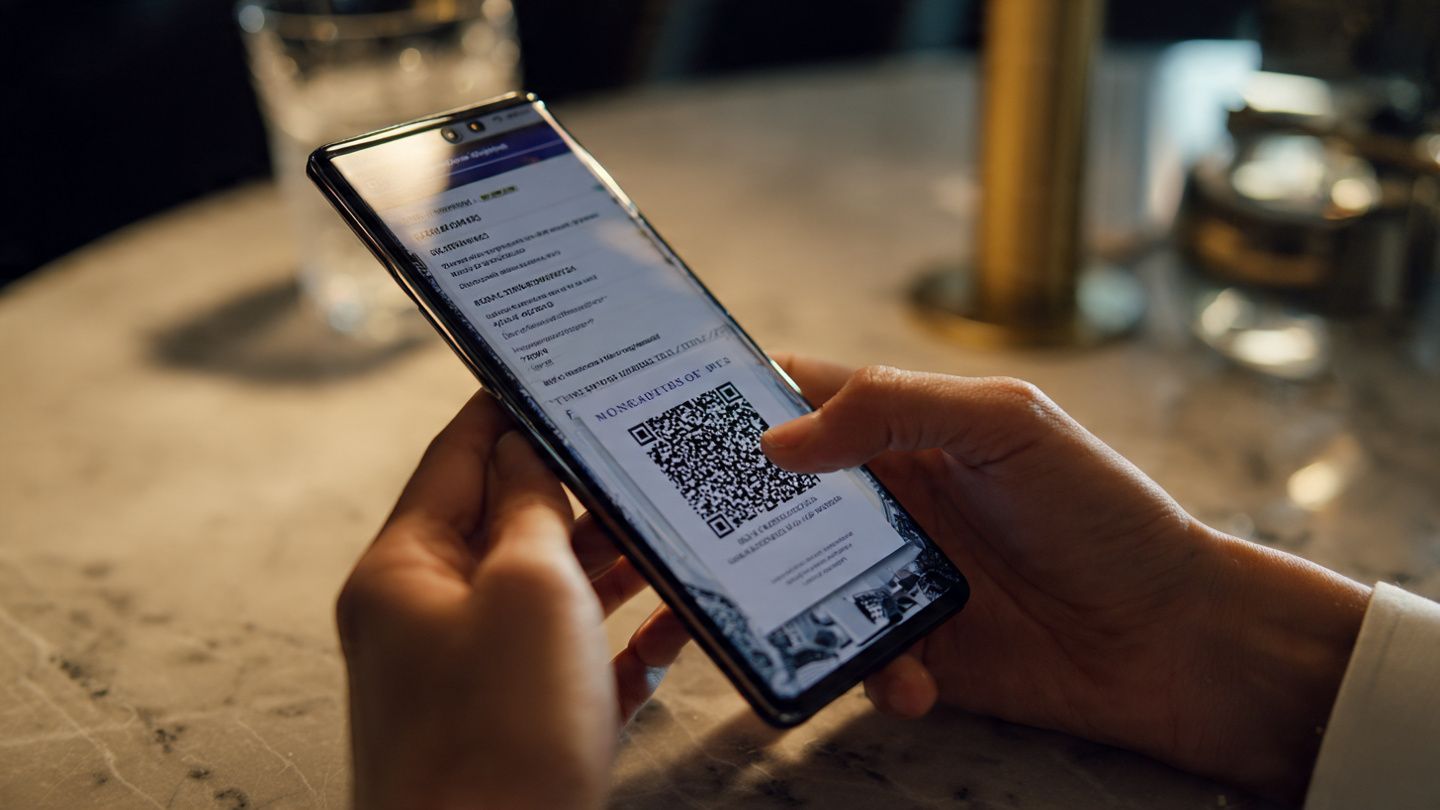
Select Use QR Code, point your camera at the code provided by your eSIM service, and wait for the phone to detect it.
4. Confirm Download & Activation
You’ll see a message prompting you to Download eSIM. Approve it, and the plan will install within seconds.
5. Set Your Line Preferences
You can configure:
- Preferred line for mobile data
- Voice/SMS routing
- Data roaming preferences
This is especially useful for managing dual SIM on the Nothing Phone 3a Lite.
As you go through setup, you’ll appreciate how easy it is to activate an eSIM on Nothing Phone devices. If you need a reliable travel plan for your next trip, it’s worth checking how Yoho Mobile offers instant installation through secure QR codes. You can explore more about how Yoho Mobile works before choosing a plan.
Dual SIM on the Nothing Phone 3a Lite: How It Works
The Nothing Phone 3a Lite supports true dual SIM functionality through:
- 1 physical SIM (nano SIM)
- 1 eSIM
You can run them simultaneously. This is ideal if you:
- Travel internationally and want a roaming-free data plan
- Keep a work and personal number
- Need a backup carrier for better coverage
Many travelers keep their home SIM active for banking verification while using an eSIM for travel data. It’s the simplest way to avoid expensive international roaming charges.
Using the Nothing Phone 3a Lite for International Roaming
International roaming can be expensive, but eSIM makes it much more manageable. The Nothing Phone 3a Lite allows you to:
- Add a travel eSIM before your trip
- Activate it only when needed
- Keep your primary number online without roaming charges
- Switch data lines instantly in Settings
Digital nomads often praise this setup because it eliminates the hassle of buying physical SIMs in each country. Travel blogs and tech reviewers on sites like GSMArena and Android Authority also highlight eSIM as a modern travel essential.
If you’re preparing for a trip and want guaranteed coverage on arrival, you can choose a region-based plan such as the Europe eSIM or the Asia eSIM depending on your destination.
Practical Tips for eSIM Users on the Nothing Phone 3a Lite
Here are simple ways to get more from your eSIM experience:
- Download your eSIM before departure. Not all airports have strong Wi-Fi.
- Label your SIMs clearly (e.g., “USA Home” and “Japan Travel”).
- Only enable roaming on your travel eSIM, not your home SIM.
- Use the data usage panel to monitor consumption in real time.
- Switch data lines instantly during network outages.
If you’re a creator who uploads while on the move, or a traveler who works remotely, using an eSIM on the Nothing Phone 3a Lite gives you more connection stability without relying on unpredictable hotel Wi-Fi.
And if you’re planning a multi-country trip, you can save even more by using a single regional plan. It’s incredibly helpful to stay connected across borders without swapping SIMs, and you can activate your plan instantly through Yoho Mobile’s global data shop.
FAQs About the Nothing Phone 3a Lite and eSIM
Does the Nothing Phone 3a Lite support eSIM?
Yes, it fully supports eSIM, allowing easy activation of digital data plans.
Can I use dual SIM on the Nothing Phone 3a Lite?
Yes — you can use one physical SIM plus one eSIM at the same time.
How do I activate an eSIM on the Nothing Phone 3a Lite?
Go to Settings > Network & Internet > SIMs > Add eSIM, then scan a QR code or enter activation details.
Is eSIM better for international roaming?
Absolutely. Most travelers prefer eSIM because it avoids physical SIM swaps and cuts roaming costs.
Can I use an eSIM for data and a physical SIM for calls?
Yes. You can assign data, calls, and SMS to whichever SIM you like.
Conclusion
The Nothing Phone 3a Lite supports eSIM, giving you a simple and flexible way to stay connected anywhere. Whether you’re managing dual SIM lines or preparing for international travel, eSIM makes setup effortless and roaming much cheaper. If you’re ready for hassle-free connectivity on your next adventure, check out Yoho Mobile’s global eSIM plans and connect instantly from the moment you land.